


















































Uncategorized
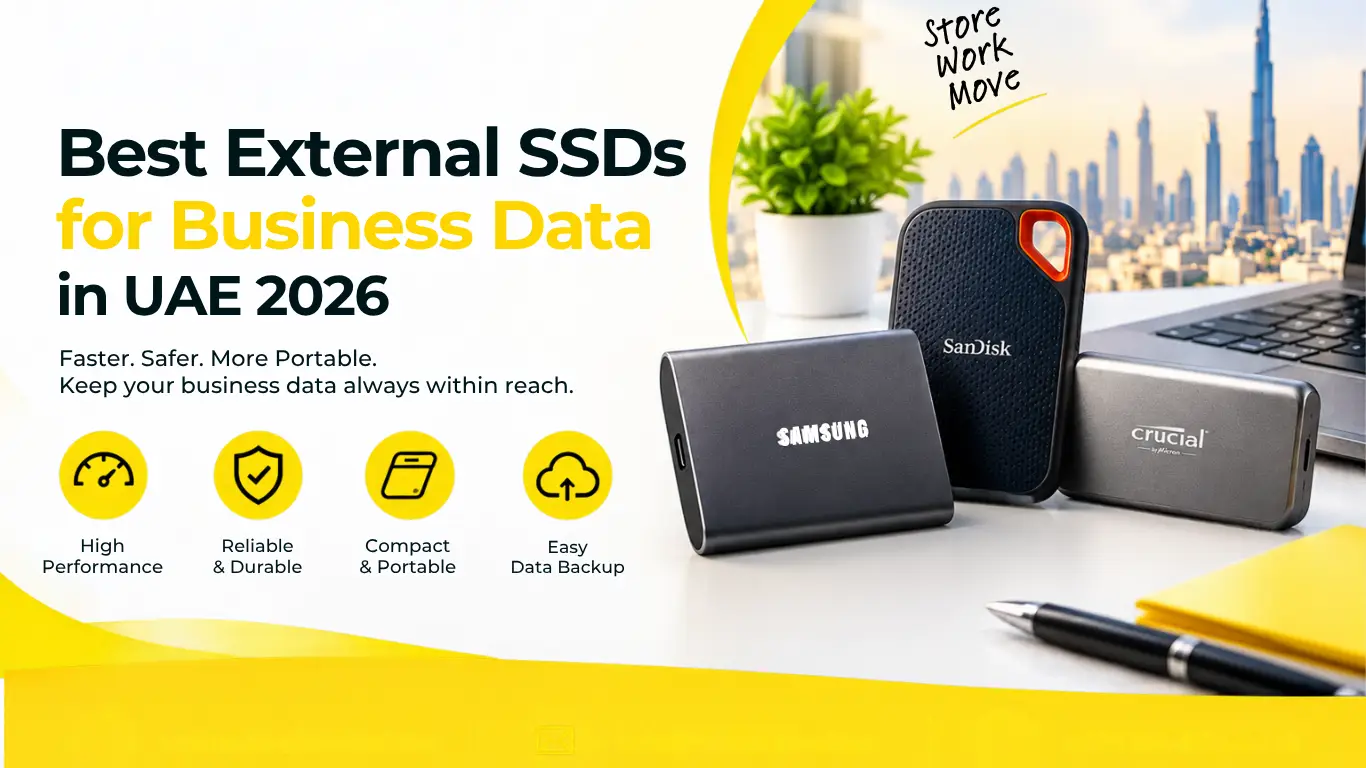
Best External SSDs for Business Data in UAE 2026
Sep
Businesses in the UAE deal with large volumes of various types of business data. This includes documents, financial data, media, project data, customer data, and other business data. One of the best storage solutions to deal with this issue is an SSD. A portable SSD has many advantages over other storage devices, and some of the best portable SSDs available in 2026, like the SanDisk Extreme Portable SSD series available in 1TB, 2TB, and 4TB capacities, provide ample capacity to store data and are fast enough to move and access data by a business.
Businesses in the UAE have other considerations apart from capacity when choosing an external SSD. These include the speed at which a storage device can be connected to a computer, the data protection and encryption features of the SSD, how long the SSD is expected to last, and other features of the SSD. Cost To Cost, a UAE-based company, provides storage and IT devices made by well-known brands.
Why Do Businesses Need an External SSD?
An external SSD gives businesses a convenient way to store and transfer data without depending entirely on a computer’s internal storage. It can be useful for file backups, transferring large projects, moving data between offices, supporting remote employees, or keeping an additional copy of important business information.
A hard drive can store a large amount of data, but an external SSD is faster and more convenient. Like an SSD, a hard drive also can be transported between offices. However, an SSD can be a better option for storing data when transported to other locations.
Using an external SSD can help UAE businesses store data for employees that work in different locations. However, an external SSD can’t ensure the protection and security of business data. Therefore, an external SSD should not be the only source of data for the business. A complete data backup and protection strategy should be used in combination with an external SSD.
What Should You Look for in an External SSD for Business?

The most important factors are capacity, sustained performance, USB interface, durability, security features, compatibility, and warranty. Businesses should also consider how frequently the drive will be moved and whether it will be used for simple backups or demanding workloads such as video editing.
Before choosing an external SSD for business, consider:
- Storage capacity: 1TB may suit everyday documents, while 2TB or 4TB can be more practical for large projects.
- Transfer speed: Faster SSDs reduce the time required to move large files.
- Interface: USB 3.2 compatibility can provide substantially better performance than older USB standards.
- Durability: A rugged drive is useful for employees who travel frequently.
- Security: Hardware encryption or password protection can help protect sensitive information.
- Compatibility: Check support for Windows, macOS, and other devices used by your team.
- Warranty: Longer manufacturer coverage can be useful for business purchases.
A higher advertised speed does not automatically mean a faster real-world workflow. The computer, USB port, cable, file size, and workload can all affect actual transfer performance.
Best External SSDs for Business Data in UAE in 2026
The best external SSD depends on how your business uses it. SanDisk Extreme Portable models available through Cost To Cost provide high-speed portable storage and rugged protection, while businesses can choose between different capacities based on their storage, speed, and backup requirements. based on their capacity, security, portability, or workflow requirements.
-
SanDisk Extreme Portable SSD
The SanDisk Extreme Portable SSD is a practical option for professionals who need fast storage in a compact and durable format. Cost To Cost currently lists 1TB, 2TB, and 4TB Extreme Portable SSD options, although stock can vary by model.
The 1TB model listed by Cost To Cost offers up to 1,050MB/s read speed and 1,000MB/s write speed, along with IP55 water and dust resistance and up to 2-metre drop protection. It also includes hardware encryption and supports Windows, Mac, and compatible USB Type-C devices.
This makes it suitable for:
- Business file transfers
- Project backups
- Photography and video work
- Marketing departments
- Remote employees
- IT professionals
- Moving large files between systems
The 2TB or 4TB versions can make more sense when employees regularly work with large media libraries or extensive project files.
2. SanDisk Extreme Portable SSD (2TB)
The SanDisk Extreme Portable SSD 2TB is a practical option for businesses that regularly work with large files, backups, videos, and project data. With fast transfer speeds of up to 1,050MB/s, USB Type-C connectivity, and rugged IP55 protection, it can support everyday business storage needs.
The 2TB capacity is suitable for:
- Creative agencies
- Marketing teams
- Architects and designers
- Business backups
- Large project files
- Multi-user data storage
Its compact design also makes it convenient for professionals who frequently move data between offices, workstations, and client locations.
3. SanDisk Extreme Portable SSD (4TB)
Businesses handling large amounts of media, project files, surveillance footage, or archives may benefit from a 4TB external SSD. The SanDisk Extreme Portable SSD 4TB offers high-capacity portable storage along with read speeds of up to 1,050MB/s and write speeds of up to 1,000MB/s.
Additional features include:
- USB 3.2 Gen 2
- Hardware encryption
- Water and dust resistance
- Up to 3-metre drop protection
- Windows and Mac compatibility
This capacity can be useful for businesses managing extensive datasets or maintaining additional backup copies.
1TB vs 2TB vs 4TB: Which Capacity Is Right for Business?
The right capacity depends on the size and type of files your business handles. A 1TB external SSD can be enough for documents, spreadsheets, presentations, selected backups, and everyday business files, while 2TB or 4TB becomes more useful for video, photography, design, engineering, or large project archives.
Here is a simple way to think about the options:
| Capacity |
Suitable For |
|
1TB |
Documents, office files, smaller backups and everyday transfers |
|
2TB |
Large projects, creative files, regular business backups |
|
4TB |
Video libraries, extensive archives and large project datasets |
Keep in mind that the usable storage shown by an operating system will be slightly lower than the advertised capacity because of formatting and system requirements.
For business environments, it is usually better to leave some free space rather than continuously filling a drive to its maximum capacity.
External SSD vs External HDD for Business Data
External SSDs generally provide faster file transfers, quicker access, compact designs, and better resistance to physical movement, while external HDDs can offer large storage capacities at a lower cost per terabyte. The better option depends on whether your priority is speed, portability, or economical high-capacity storage.
An external SSD is particularly useful when employees frequently:
- Transfer large files
- Work with high-resolution media
- Move data between computers
- Travel with company data
- Perform regular local backups
- Need quick access to stored projects
An external HDD may still be useful when a business needs several terabytes of storage primarily for archival purposes and does not frequently move the drive.
Some businesses may benefit from using both: SSDs for active or frequently accessed data and larger HDD-based storage for less frequently accessed archives.
How Fast Should a Business External SSD Be?
A drive that tops out at around 1,000MB/s already outperforms most older portable storage. Faster speeds beyond that aren’t wasted, but the computer and USB connection also need to support them to see any real benefit.
The SanDisk Extreme Portable SSD that Cost To Cost sells can achieve up to 1,050MB/s of read speed.
The actual speed of a storage solution depends on a variety of factors including what is being stored, how it is stored, and what kind of devices it is being stored to and retrieved from.
A basic portable drive is usually enough for everyday files, but if an employee regularly moves large video or graphics files, a faster, higher-capacity drive is worth the extra cost.
Are External SSDs Secure Enough for Business Data?
External SSDs can be secure storage devices, but security depends on the model and how the business manages the drive. Features such as hardware encryption and password protection can add another layer of protection if a drive is lost or stolen.
For example, the SanDisk Extreme Portable SSD listed by Cost To Cost includes hardware encryption.
Businesses should also follow basic security practices:
- Use strong passwords where supported.
- Enable encryption features.
- Keep firmware updated when applicable.
- Restrict access to authorized employees.
- Avoid sharing a business SSD between too many users.
- Safely eject the drive after use.
- Store sensitive drives securely.
- Keep another backup of important data.
Most importantly, an external SSD should not be the only copy of critical business information. If the SSD fails, is lost, damaged, or infected by malware, having another protected backup can prevent serious data loss.
How Can Businesses Use External SSDs for Backup?
External SSDs can be useful for creating additional copies of important files, especially when a business needs a portable backup that can be disconnected after the backup process. A disconnected backup can also reduce exposure to certain online threats compared with storage that remains permanently connected.
Businesses can use external SSDs for:
Document backups:
Keep copies of contracts, spreadsheets, invoices, reports, and other important documents.
Project backups:
Store additional copies of active design, engineering, marketing, or development projects.
Laptop backups:
Provide employees with a local copy of important work when appropriate.
Data migration:
Move information from an old computer to a new system.
Off-site storage:
Keep a protected copy at a separate business location, subject to company security policies.
For critical systems, however, businesses should combine local storage with properly managed backup and recovery solutions rather than relying exclusively on a portable drive.
What Size External SSD Is Best for Small Businesses?
For many small businesses, 1TB or 2TB is a practical starting point, but the right choice depends on how much data each employee generates. A typical office worker handling documents may not need 4TB, while a video editor, architect, designer, or marketing team may quickly outgrow 1TB.
A simple approach is to check:
- How much data needs to be stored today?
- How much new data is created every month?
- How often will files be deleted or archived?
- Will multiple employees use the same drive?
- Is the SSD for active work, transfer, or backup?
- How much additional capacity will be needed over the next two to three years?
Buying based only on today’s storage requirements can result in another purchase sooner than expected.
What Makes an External SSD Suitable for UAE Business Use?

Portability and durability can be beneficial to businesses operating in the UAE as they may involve storage devices moving between different offices, client sites, and sites of business activity. A rugged external SSD can provide protection against moisture and other contaminants.
The Extreme Portable SSD manufactured by SanDisk, for instance, has an IP55 rating and can withstand drops of up to 2 metres, according to specifications listed by Cost To Cost.
While an IP rating provides an assurance of the level of protection against certain environmental conditions, complete immersion in water or exposure to high temperatures or dusty environments is not recommended. Good storage and handling practices should be maintained.
How to Choose an External SSD for Your Business
Start with the workload rather than the brand name. A business that primarily handles office documents may need a different drive from a creative agency transferring large video files every day. Capacity, durability, security, connectivity, warranty, and future storage requirements should all be considered together.
Use this checklist before purchasing:
- Determine capacity: Choose 1TB, 2TB, 4TB, or more based on actual usage.
- Check USB compatibility: Make sure the computer supports the required interface.
- Consider speed: Match the SSD’s performance to the workload.
- Check durability: Look for drop and water/dust resistance if the drive will travel.
- Review security: Consider hardware encryption and password protection.
- Check compatibility: Confirm Windows, macOS, smartphone, or other device support.
- Review warranty: Compare manufacturer coverage.
- Think about backup: Decide how the SSD will fit into your wider backup process.
Why Buy External SSDs from Cost To Cost UAE?
Cost To Cost provides IT components and storage products for businesses and professionals across the UAE, including external SSD options from established brands. Its current IT components range includes SSDs and other hardware, while the SanDisk brand range includes 1TB, 2TB, and 4TB Extreme Portable SSD listings.
Businesses can also benefit from checking product specifications, compatibility, warranty information, and current availability before placing an order. Cost To Cost states that it provides genuine products with manufacturer warranty support and delivery across Dubai, Abu Dhabi, Sharjah, Ajman, and other Emirates.
For companies purchasing multiple units, it can also be useful to ask about business or bulk requirements before finalizing the order.
Final Thoughts
The best external SSD for your business in UAE this 2026 may not always be the model with the highest speed or capacity. The drive you should go for depends on a number of factors. These include how much data your business generates, how often it needs to travel, what type of devices the drive connects to, and the level of protection your data needs.
For most businesses, data storage and transfer requires drives with capacities of 1 or 2 TB. However, a drive with 4 TB capacity may be good for a creative or data intensive business. Some of the models that may meet your business needs this year are SanDisk Extreme Portable SSD models in 1TB, 2TB, and 4TB capacities can meet different business storage requirements.
Whichever model you decide to go for, don’t make the mistake of relying on that model as your only copy of business data. Always keep more than one copy of your data.
Frequently Asked Questions
The right external SSD depends on storage capacity, speed, durability, and business requirements. SanDisk Extreme Portable SSD models in 1TB, 2TB, and 4TB capacities are among the options businesses can consider for portable data storage and backup.
A 1TB SSD can be sufficient for documents, spreadsheets, presentations, and smaller backups. Businesses working with large media or project files may benefit from 2TB or 4TB.
Yes, external SSDs can be useful for additional local backups. However, critical business data should ideally have more than one protected copy.
External SSDs are generally much faster for file transfers and data access than traditional external HDDs, making them more suitable for frequently transferred or actively used files.
A rugged model can be useful when employees frequently travel with company data or use the drive outside a controlled office environment.
Cost To Cost offers external SSDs and other IT components in the UAE, including SanDisk portable SSD models, subject to current stock availability.
No. An external SSD can be one part of a backup strategy, but businesses should maintain appropriate additional copies and recovery measures for critical data.