

























































Monitors
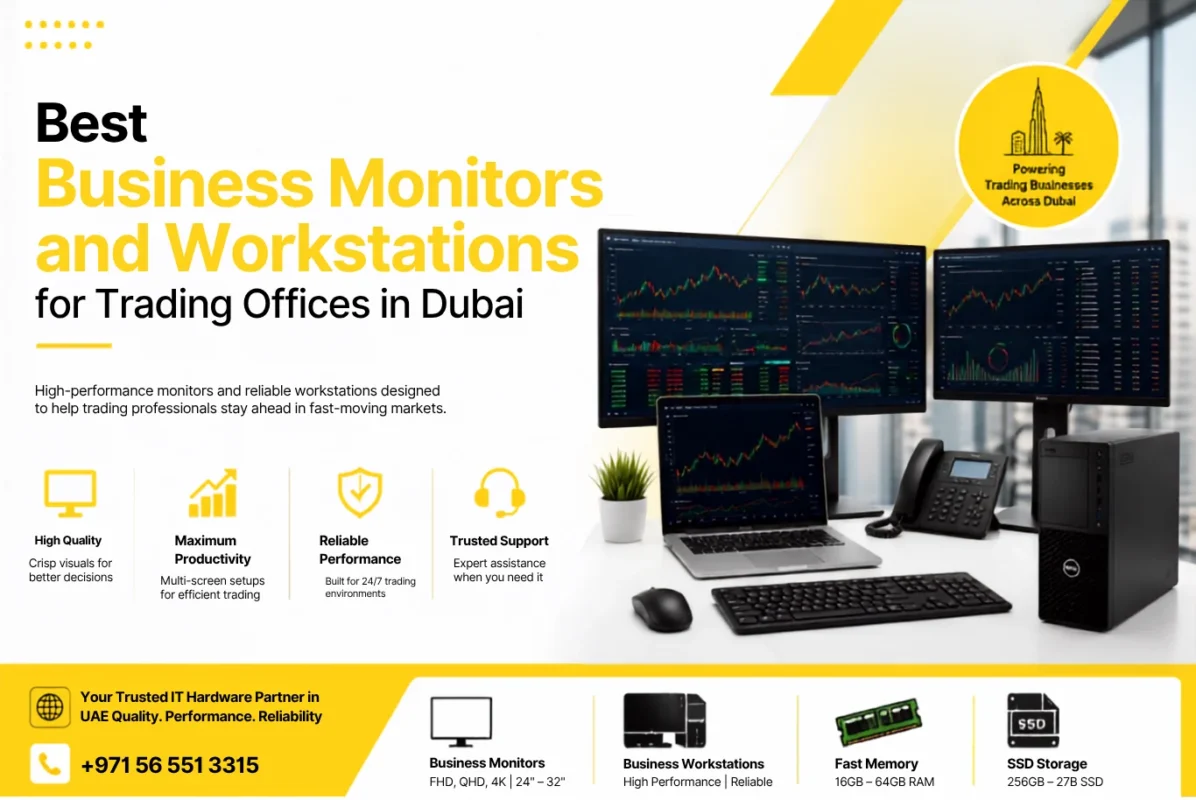
Best Business Monitors and Workstations for Trading Offices in Dubai
Aug
A trading office depends on speed, clarity, and the ability to keep important information visible at the same time. Traders may need to follow market charts, financial news, trading platforms, research dashboards, spreadsheets, emails, and communication tools throughout the day. A basic computer setup can handle simple office work, but a well-planned business monitors and workstation setup can make a significant difference when multiple applications need to run together.
For businesses in Dubai, choosing the right trading workstation is not simply about buying the largest monitor or the most powerful desktop. The right setup should match the trader’s workload, number of applications, available desk space, connectivity requirements, and expected working hours.
Whether you are setting up a new trading office, expanding a financial team, or upgrading existing computers, this guide explains how to choose suitable business monitors and workstations for a professional trading environment in Dubai.
If you are researching the best business monitors for trading offices in Dubai, start by comparing screen size, resolution, connectivity, and multi-monitor support rather than choosing a display based on price alone.

Why the Right Monitor Matters in a Trading Office
Trading involves a large amount of information being displayed simultaneously. A trader may want to keep a price chart open on one screen, market news on another, and an order management or research platform on a third.
A suitable business monitor provides enough screen space to keep this information visible without constantly switching between windows.
For office trading environments, some of the most important monitor considerations include:
- Screen size
- Resolution
- Panel type
- Number of ports
- Multi-monitor compatibility
- Ergonomic adjustment
- Anti-glare features
- Eye-comfort features
- Reliability for long working hours
A 24-inch Full HD monitor can be perfectly suitable for basic office tasks, while a 27-inch display can provide more comfortable working space for spreadsheets and financial dashboards. For users who need even more horizontal workspace, an ultrawide monitor can be an alternative to two separate screens.
Cost to Cost currently offers business-oriented monitor options from brands including Dell, HP, Lenovo, Samsung, Hikvision, ASUS, Philips, and others, giving UAE businesses different choices based on their requirements and budget.
What Size Monitor Is Best for Trading?
There is no single screen size that works for every trading office. The right size depends on the number of applications being used and the available desk space.
24-Inch Monitors
A 24-inch monitor is a practical choice for standard office work, secondary displays, and trading setups where several monitors are used together.
It works well for:
- Trading dashboards
- Emails
- Financial spreadsheets
- Research
- Office applications
- Secondary chart displays
Models such as the HP P24 G4, Lenovo L24e 30 and other 24-inch monitors available from Cost to Cost can be considered for professional office environments.
27-Inch Monitors
A 27-inch business monitor offers more workspace while still fitting comfortably on most office desks.
It can be particularly useful for traders who regularly work with charts, financial reports, and multiple browser windows.
For example, the Dell E2723H is a 27-inch Full HD monitor listed by Cost to Cost and is suitable for users who want a larger display for everyday professional work.
32-Inch and Larger Monitors
Larger displays can be useful when a user wants to view several windows without using multiple monitors. However, screen size should not be considered separately from resolution and viewing distance.
For some trading desks, two 27-inch monitors may provide a more flexible setup than one very large screen.
Full HD, QHD or 4K: Which Resolution Should You Choose?
Resolution determines how much detail can be displayed on the screen.
Full HD
Full HD, or 1920 × 1080, remains a practical option for general office work and budget-conscious trading setups.
It is suitable for:
- Web browsing
- Basic trading platforms
- Documents
- Spreadsheets
- Secondary monitors
Full HD monitors are also easier to deploy across large teams because businesses can standardize the same display across multiple workstations.
QHD
QHD provides more screen detail than Full HD and can be useful for users who need more workspace without moving to a large 4K display.
For analysts and traders working with multiple windows, QHD can offer a useful balance between clarity, screen space and system requirements.
4K
4K monitors provide a much higher level of detail and can be useful for users working with large spreadsheets, detailed financial dashboards and multiple application windows.
However, a 4K monitor is not automatically better for every trading desk. Businesses should also consider the graphics capability of the workstation, application compatibility, and the physical size of the display.
The goal should be a comfortable and readable workspace rather than simply choosing the highest specification.
IPS, VA or Other Panel Types?
Panel technology also affects the viewing experience.
IPS Panels
IPS monitors are widely used in professional environments because they generally provide consistent colours and wide viewing angles.
They are a good option for business users who want a clear display for long working sessions.
VA Panels
VA panels can offer strong contrast and are available across many business and consumer monitor ranges. They can work well for general office and trading use, especially when the user sits directly in front of the display.
Which One Is Better for Trading?
For most professional trading offices, panel type should not be the only deciding factor. Resolution, screen size, viewing comfort, connectivity and ergonomics are equally important.
If the workstation will be used for many hours every day, the overall comfort of the setup matters more than choosing a panel simply because it has a higher specification.
Do Traders Need Dual or Multiple Monitors?
For many trading environments, multiple monitors are more useful than buying one extremely expensive display.
A dual-monitor setup can allow a trader to keep different information visible at the same time.
For example:
Monitor 1: Trading charts and price movements
Monitor 2: Trading platform, financial news, research or order management
A larger trading desk may use three or more displays for different applications.
Multiple monitors can also be useful for financial analysts, brokers, accountants, and other professionals who regularly compare information from different sources.
Before purchasing multiple monitors, check that the workstation has enough compatible display outputs. HDMI and DisplayPort are common connectivity options, while USB-C can be useful for compatible laptops and docking setups.
Best Business Monitors for Trading Offices in Dubai
The best business monitors for trading offices in Dubai depend on the role, workspace, and budget of the user rather than one particular model. A good setup should provide enough screen space for charts, trading platforms, financial news, and other business applications.
Dell has a strong range of professional displays suitable for office environments. Cost to Cost lists models such as the Dell E2723H 27-inch Full HD monitor and other Dell display options.
Dell monitors can be considered for:
- Corporate trading desks
- Financial analysts
- Management offices
- Multi-monitor workstations
- General business users
HP monitors are another practical option for business environments. The HP P24 G4 is a 23.8-inch Full HD monitor listed by Cost to Cost and can be suitable for standard office and secondary-display requirements.
Lenovo offers compact and larger displays for office users. The Lenovo L24e 30 is one example available through Cost to Cost, making the brand relevant for businesses looking for professional monitors at different price points.
Samsung has a broad range of displays, including standard office monitors and larger screens. Cost to Cost’s monitor range includes Samsung displays for different business and productivity requirements.
Hikvision is also available in Cost to Cost’s monitor category. The DS-D5024FN is a 23.8-inch Full HD borderless monitor that can be considered for office and multi-screen environments where a clean display design is useful.
Choosing the Right Workstation for a Trading Office
A good monitor needs to be paired with a reliable business desktop or workstation. The computer should be capable of running the trading platform, browser tabs, spreadsheets, communication applications, and other business software without unnecessary slowdowns.
For most standard trading-office users, the priority should be balanced performance rather than an expensive high-end workstation designed for demanding graphics workloads.
Processor
A modern Intel Core or AMD Ryzen processor can provide sufficient performance for many business workloads.
For a standard trading workstation, a mid-range processor can be enough. Users running several applications simultaneously may benefit from a higher-performance processor.
RAM is particularly important when multiple applications and browser tabs are open at the same time.
A business workstation with 16GB RAM is a practical starting point for many professional users. Heavier workloads may justify 32GB or more.
An SSD can improve system responsiveness, application loading, and boot times compared with older mechanical storage.
For a professional trading environment, SSD storage should be preferred for the operating system and frequently used applications.
Graphics
Trading does not normally require an extremely powerful graphics card. A suitable integrated or dedicated graphics solution can be enough depending on the number and resolution of connected monitors.
If a workstation needs to drive several high-resolution displays, check the available graphics outputs and supported resolutions before purchasing.
Desktop or Workstation: What Should a Trading Office Choose?
Not every trading desk requires a traditional professional workstation.
A business desktop can be a better choice for users whose workload mainly includes trading platforms, browsers, spreadsheets, email, and communication software.
A workstation becomes more relevant when the user has demanding professional applications or requires higher processing, memory, or graphics performance.
Cost to Cost’s desktop range includes business systems from Dell, HP, Lenovo, and ASUS. Cost to Cost also lists ASUS workstation systems, although availability can vary by model.
For example, the Dell OptiPlex 7010 and the Lenovo ThinkCentre NEO 50T are examples of business desktops listed by Cost to Cost. The OptiPlex 7010 is listed with an Intel Core i5-13500 processor, 8GB RAM, and 512GB SSD, while the ThinkCentre NEO 50T is listed with an Intel Core i7-12700 processor and 16GB RAM. Availability can change, so businesses should confirm the current configuration before ordering.
Recommended Trading Workstation Setup
A practical trading workstation in Dubai could be configured around the following requirements:
| Component | Recommended Starting Point |
| Processor | Modern Intel Core or AMD Ryzen |
| RAM | 16GB |
| Storage | SSD |
| Monitor | 24-inch or 27-inch Full HD/QHD |
| Multiple Displays | 2–3 monitors depending on workload |
| Connectivity | HDMI / DisplayPort / USB-C where required |
| Operating System | Windows 11 Pro where business features are required |
| Accessories | Business keyboard, mouse and suitable monitor stands |
These specifications are a starting point, not a fixed configuration. A professional trader using several data-heavy applications may require a more powerful setup.
Ergonomics Matter for Long Trading Sessions
Trading professionals can spend many hours looking at screens, so workstation ergonomics should not be overlooked.
Monitor placement should allow the user to look at the screen comfortably without constantly bending the neck.
Look for monitors with features such as the following:
- Height adjustment
- Tilt adjustment
- Swivel
- Pivot
- VESA mounting support
- Anti-glare display
- Low-blue-light mode
- Flicker-free technology
A monitor arm can also help when using two or three displays because it allows the screens to be positioned according to the user’s viewing angle.
How Dubai Businesses Should Plan Their Trading Office Setup
Dubai businesses should consider more than just hardware specifications when planning a new trading office.
Before placing an order, consider the number of employees, desk layout, number of displays per employee, available power sockets, network connectivity, and future expansion.
It is also important to standardize equipment where possible. Using similar monitor models across a team can simplify installation, replacement, and maintenance.
Businesses purchasing multiple systems should also compare the total cost of ownership rather than looking only at the initial purchase price.
Warranty, availability, replacement support, and supplier reliability can become important when multiple workstations are deployed across an office.
Where to Buy Business Monitors and Workstations in Dubai?
Businesses looking for monitors, desktops, and IT hardware in Dubai should choose a supplier that can support both individual purchases and larger office requirements.
Cost to Cost Trading offers monitors, desktops, laptops, networking products, accessories, and other IT hardware for businesses across the UAE. Its current product range includes brands such as Dell, HP, Lenovo, Samsung, ASUS, and Hikvision. Product availability and configurations can change over time, so businesses should confirm the latest options before placing a bulk order.
For companies setting up several trading desks, working with one IT supplier can also make procurement easier because monitors, desktops, and related hardware can be sourced together.
Final Thoughts
Choosing the best business monitors for trading offices in Dubai is ultimately about matching the display and workstation to the way your team works. Screen size, resolution, connectivity, and the number of displays should all be considered together.
For basic trading and office applications, a reliable business desktop with a 24-inch or 27-inch A full HD monitor may be enough. Traders who need more information on screen can benefit from dual-monitor or multi-monitor configurations, while users who prefer a single large workspace can consider a larger or ultrawide display.
When selecting a workstation, focus on balanced performance, sufficient RAM, SSD storage, compatible display outputs, and long-term reliability. For monitors, pay attention to screen size, resolution, connectivity, and ergonomics rather than choosing based on one specification alone.
For Dubai businesses, the ideal setup is the one that gives employees a clear, comfortable, and dependable workspace while leaving enough room for future upgrades.
If you are planning a new trading office or upgrading existing systems, explore business monitors and desktop solutions from Cost to Cost to find hardware suited to your team’s requirements and budget.
FAQs
A 24-inch or 27-inch monitor is a practical choice for most trading desks. Users who need more information visible at the same time can consider dual monitors or larger displays.
No. 4K can provide excellent detail and additional workspace, but Full HD or QHD can be sufficient for many trading applications. The choice depends on the user’s workload, screen size, and budget.
Dual monitors can make it easier to keep charts, news, research, and trading platforms visible simultaneously. They are particularly useful for users who regularly work with several applications.
16GB RAM is a practical starting point for many professional trading and office workloads. Users running heavier applications or many programs simultaneously may benefit from 32GB or more.
A business desktop is sufficient for many standard trading workloads. A higher-performance workstation may be appropriate when the user has more demanding applications, larger workloads, or specific performance requirements.
Check the workstation’s available HDMI, DisplayPort, or USB-C outputs; supported resolutions; desk space; and monitor mounting options. This helps ensure that all displays can work together correctly.