



























































Uncategorized
Wi-Fi 8 vs Wi-Fi 7: Should UAE Businesses Upgrade in 2026?
Sep
Wireless networking is moving into its next stage with Wi-Fi 8. While Wi-Fi 7 focused heavily on faster speeds and higher capacity, Wi-Fi 8 is being designed around better reliability, lower disruption, improved range, and more stable connections in busy environments. For UAE businesses, the main question is not only what Wi-Fi 8 offers, but whether upgrading now makes sense.
What Is Wi-Fi 8?
Wi-Fi 8 is the next generation of Wi-Fi technology, also known as IEEE 802.11bn. Unlike earlier upgrades that mainly focused on higher wireless speeds, Wi-Fi 8 puts more attention on connection reliability and consistent performance. It is being designed for environments where many devices share the same wireless network.
This makes Wi-Fi 8 interesting for offices, hotels, schools, retail stores, warehouses, and other businesses with many connected devices.
The technology is still developing, so businesses should understand that early Wi-Fi 8 products may not represent the final standard.
Wi-Fi 8 vs Wi-Fi 7: What Is the Main Difference?

Wi-Fi 7 is mainly focused on higher throughput, lower latency, and better use of available wireless channels. Wi-Fi 8 takes a different approach by trying to keep connections stable when there is interference, weak coverage, network congestion, or many devices competing for wireless resources.
In simple terms:
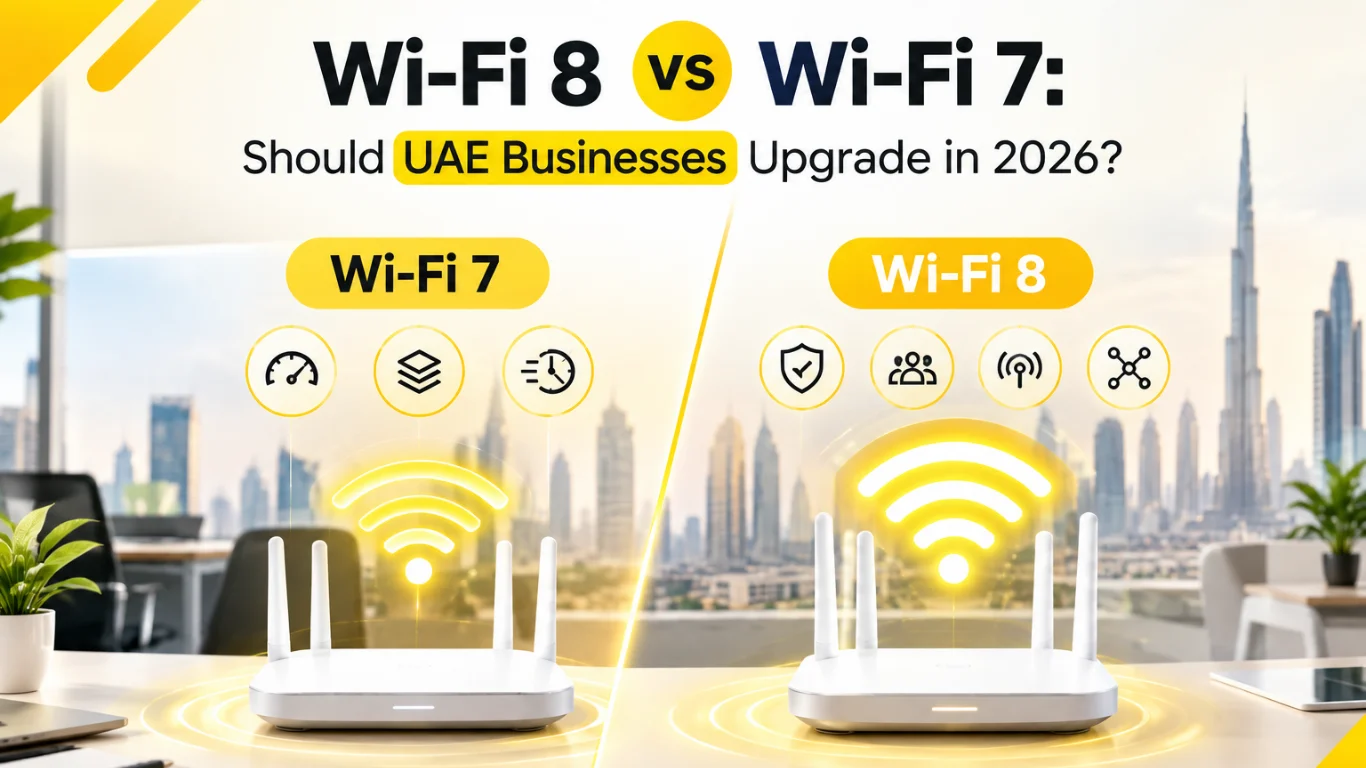
- Wi-Fi 7: More speed, capacity, and lower latency
- Wi-Fi 8: More reliability, stability, and efficient network performance
- Wi-Fi 7: Already available across many devices
- Wi-Fi 8: Early hardware is appearing, but the standard is still developing
This means Wi-Fi 8 is not simply “Wi-Fi 7 but faster.” Its biggest advantage could be how consistently a network performs when conditions are difficult.
Is Wi-Fi 8 Faster Than Wi-Fi 7?
Wi-Fi 8 should not be viewed mainly as a speed upgrade. Its goal is to improve the quality and reliability of wireless connections rather than simply increase the maximum theoretical bandwidth. Early Wi-Fi 8 products are already showing very high theoretical speeds, but real business benefits will depend more on network conditions and compatible devices.
This is an important difference for businesses.
A company may already have a fast Wi-Fi 7 network but still experience problems caused by:
- Too many connected devices
- Wireless interference
- Poor access point placement
- Weak signals
- Network congestion
- Large office spaces
- Multiple nearby networks
Wi-Fi 8 is being developed to handle these situations more efficiently.
So, if your current Wi-Fi network already provides enough speed, moving to Wi-Fi 8 may not immediately make websites, cloud applications, or downloads noticeably faster.
The improvement may instead be seen in connection consistency and reliability.
Why Is Wi-Fi 8 Trending in 2026?
Wi-Fi 8 has become a major networking topic in 2026 because manufacturers have started showing early hardware. At IFA 2026, TP-Link introduced Wi-Fi 8 products including the Archer 8 Ultra and Deco 8 Ultra. Other manufacturers have also demonstrated Wi-Fi 8 hardware.
This has made Wi-Fi 8 much more relevant for businesses planning their next network upgrade.
However, businesses should not confuse product announcements with a fully finished standard.
Current Wi-Fi 8 hardware is based on developing specifications, while the final standard is still some time away. This means businesses buying networking equipment today should carefully consider compatibility, firmware support, device availability, and long-term requirements.
What New Features Does Wi-Fi 8 Bring?

Wi-Fi 8 introduces technologies designed to improve wireless reliability, especially when networks become crowded or interference increases. Features being discussed include better multi-access-point coordination, improved use of wireless resources, and technologies designed to maintain performance when devices move or signal conditions change.
Some important Wi-Fi 8 concepts include:
Better Network Reliability
Wi-Fi 8 is designed around Ultra High Reliability. The idea is to maintain a more stable connection instead of focusing only on peak speed. Basically, it’s less about the flashy speed number and more about the connection just… not dropping when you need it most.
Improved Performance in Crowded Areas
Offices can have dozens or hundreds of connected devices. Wi-Fi 8 aims to manage wireless resources more effectively when many devices are active — so the network doesn’t choke the moment everyone shows up and logs on at 9 AM.
Better Coverage and Edge Performance
Wi-Fi 8 can help improve performance at the edge of wireless coverage. Anyone who’s sat in the far corner of a warehouse or hotel room with one bar of signal knows exactly why this matters.
Smarter Use of Wireless Channels
Technologies such as Enhanced Long Range (ELR), Distributed Resource Units (DRU), and Non-Primary Channel Access (NPCA) are meant to squeeze more out of the available spectrum and stretch coverage further for devices sitting farther away.
Add it all up, and this stuff starts to really matter once a business keeps piling more and more wireless devices onto the network.
Why Does Wi-Fi 8 Matter for UAE Businesses?
UAE businesses are becoming increasingly dependent on wireless connectivity. Employees use cloud applications, video meetings, VoIP, mobile devices, wireless printers, security systems, IoT devices, and other connected equipment every day.
A network problem can quickly affect productivity.
Wi-Fi 8 could become useful in businesses where network reliability is more important than simply having the highest possible speed.
For example, a large office may have hundreds of laptops and smartphones connected at the same time. A hotel may have guests, staff devices, smart systems, and security equipment using the network. A warehouse may use wireless scanners and connected devices across a large area.
In these environments, stable wireless performance can be more useful than a higher speed number on a product box.
Still on Wi-Fi 6? Here's What to Check First
Businesses using Wi-Fi 6 do not necessarily need to jump directly to Wi-Fi 8. For many companies, Wi-Fi 7 may still provide a more practical upgrade because compatible routers, access points, laptops, and other devices are already available.
If your Wi-Fi 6 network is working well, there may be little reason to replace everything immediately.
Instead, businesses should first check:
- Current network performance
- Number of connected devices
- Coverage problems
- Interference
- Internet speed
- Access point placement
- Wired network capacity
- Future device requirements
If the existing network is becoming a bottleneck, a properly planned Wi-Fi 7 upgrade may provide a more immediate benefit.
On Wi-Fi 7 Now? Here's When Wi-Fi 8 Is Worth It
Most businesses already using a good Wi-Fi 7 setup probably do not need to upgrade immediately. Wi-Fi 7 is still a current and capable technology, while Wi-Fi 8 compatible client devices are only beginning to appear.
For a business that recently invested in Wi-Fi 7, replacing the network again would usually not make financial sense.
Wi-Fi 8 becomes more interesting when a company is planning a major network refresh, opening a new office, building a large wireless environment, or looking for longer-term infrastructure planning.
The decision should depend on business requirements rather than the newest technology name.
Wi-Fi 8 for Offices, Retail and Warehouses
Wi-Fi 8 could be useful in places where many devices operate at the same time. Think offices, retail stores, warehouses, hotels, schools — anywhere with a lot of foot traffic and even more devices trying to connect.
Take a warehouse, for instance. You’ve got handheld scanners, tablets, cameras, access points, all spread out across a huge space, all trying to stay connected. Or picture a retail store — staff devices, payment systems, customer Wi-Fi, security cameras, inventory equipment, all running at once.
In situations like these, staying connected reliably matters a lot more than hitting some impressive top speed number.
And that’s really where Wi-Fi 8’s whole reliability-first approach starts to make sense.
Does Wi-Fi 8 Need New Devices?
Yes, businesses should expect that the full benefits of Wi-Fi 8 will require compatible client devices. A Wi-Fi 8 router can still work with older Wi-Fi devices, but those devices cannot take advantage of every new capability.
This is similar to previous Wi-Fi generations.
A business may install a newer access point, but if employee laptops and smartphones use older Wi-Fi standards, the overall experience will still depend on those devices.
This is why businesses should plan Wi-Fi upgrades as a complete network strategy instead of replacing only the router.
Important equipment may include:
- Wi-Fi routers
- Business access points
- Network switches
- PoE switches
- Ethernet cabling
- Firewalls
- Wireless controllers
- Compatible laptops and devices
A strong wireless network also depends heavily on the wired infrastructure supporting the access points.
Wi-Fi 8 and 10GbE Networking
Wi-Fi upgrades should not be planned separately from wired networking. As wireless performance improves, the network connection between access points, switches, servers, and internet equipment can become a bottleneck.
For example, businesses installing high-performance wireless access points may also need faster Ethernet uplinks.
This is where 2.5GbE, 5GbE, and 10GbE networking can become important.
A business may have an advanced wireless access point, but if the access point is connected through an unsuitable network connection, users may not receive the expected performance.
For larger networks, businesses should therefore look at the complete infrastructure rather than focusing only on the Wi-Fi standard.
Is Wi-Fi 8 Worth It in 2026?
For most businesses, Wi-Fi 8 is more of a technology to watch than an urgent upgrade. The first products are arriving, but the ecosystem of compatible client devices is still developing. However, Wi-Fi 8 should definitely be considered when creating a longer-term networking roadmap.
Businesses can use the current period to understand the technology, monitor product availability, and plan future infrastructure requirements.
Waiting can also help businesses avoid paying premium prices for early-generation equipment.
What Should UAE Businesses Buy Today?
Businesses upgrading their network today should choose equipment based on actual requirements instead of buying a product simply because it supports the newest standard.
For many companies, a well-designed Wi-Fi 7 network with suitable access points, switches, cabling, and security will provide excellent performance.
Businesses should also consider:
- Number of users
- Office size
- Number of access points
- Internet bandwidth
- Wired network speed
- IoT devices
- Video conferencing requirements
- Cloud application usage
- Security requirements
- Future expansion
A properly designed Wi-Fi 7 network can be a better investment than an expensive early Wi-Fi 8 setup that has limited compatible devices.
Wi-Fi 8 vs Wi-Fi 7: Which One Should You Choose?
Here is a simple comparison:
Feature |
Wi-Fi 7 |
Wi-Fi 8 |
|
Main focus |
Speed and capacity |
Reliability and stability |
|
Availability |
Widely available |
Early products arriving |
|
Compatible devices |
Many available |
Still limited |
|
Business adoption |
Growing |
Early stage |
|
Best for |
Current upgrades |
Future planning |
|
Interference handling |
Improved |
Greater focus |
|
Long-term potential |
Strong |
Very promising |
The right choice depends on when your business needs the upgrade.
How to Prepare Your Business for Wi-Fi 8
You don’t need to run out and buy Wi-Fi 8 hardware today just to be “ready” for it. What actually helps is building your network now in a way that won’t box you in later.
Start simple — look at what you’ve already got. Your cabling, your switches, your internet connection, where your access points are placed, how much room your network has left before it starts struggling.
Setting up something new right now? Go with decent Ethernet cabling and switches that can grow with you. Saves a lot of pain later.
And honestly, just keep a running list of what’s connected and where your coverage gets weak. Makes it way easier to spot problems when they show up, instead of guessing.
Do this part right, and whatever upgrade comes next ends up costing you a lot less.
Planning a Business Wi-Fi Upgrade?
Whether you’re upgrading to Wi-Fi 7 or preparing for future wireless technologies, choosing the right access points, routers, switches, and networking equipment is important for reliable business connectivity.
Explore Business Networking Solutions at CostToCost →
Final Verdict: Should Your Business Upgrade to Wi-Fi 8?
Look, Wi-Fi 8 is exciting stuff. But honestly, most businesses in the UAE don’t need to rush into it in 2026. And it’s not really about speed anyway — the whole point of Wi-Fi 8 is more reliable connections, holding up better when a ton of devices are fighting for the same network, and just making better use of the wireless spectrum overall.
Need an upgrade right now? Go with Wi-Fi 7. It’s solid, it’s mature, plenty of devices already support it — no reason to wait.
Planning something bigger down the line, like a full infrastructure overhaul in the next couple of years? That’s when Wi-Fi 8 actually becomes worth watching.
Really, the decision should come down to your own setup — how many people are on the network, what you’re running day to day, how big the space is, how many devices you’re dealing with, where the business is heading. Picking tech just because it’s the newest thing rarely works out well.
Give it some time though. Once more Wi-Fi 8 hardware shows up and devices start catching up, it’ll probably become a much better option, especially for bigger business networks.
But for now? Wi-Fi 7 is what you actually go with. Wi-Fi 8 is what you keep an eye on.
Frequently Asked Questions
Wi-Fi 8 focuses more on reliability, stability, and performance in crowded environments, while Wi-Fi 7 focuses on speed, capacity, and lower latency. For most businesses upgrading in 2026, Wi-Fi 7 is still the more practical choice.
Most businesses do not need to upgrade to Wi-Fi 8 immediately. Wi-Fi 7 has wider device support and is a more practical option for businesses that need a network upgrade today.
Not mainly. Wi-Fi 8 is designed more around reliable and consistent connections than higher peak speeds. Wi-Fi 7 remains focused on higher throughput, capacity, and lower latency.
Wi-Fi 8 is designed to improve connection reliability, performance in crowded areas, coverage at the edge of wireless networks, and efficient use of wireless resources.
To get the full benefits of Wi-Fi 8, compatible devices will be needed. Older Wi-Fi devices can connect, but they may not support all the new Wi-Fi 8 features.
For most new offices in 2026, Wi-Fi 7 is the safer practical choice because compatible equipment is widely available. Wi-Fi 8 is better considered for future network planning.